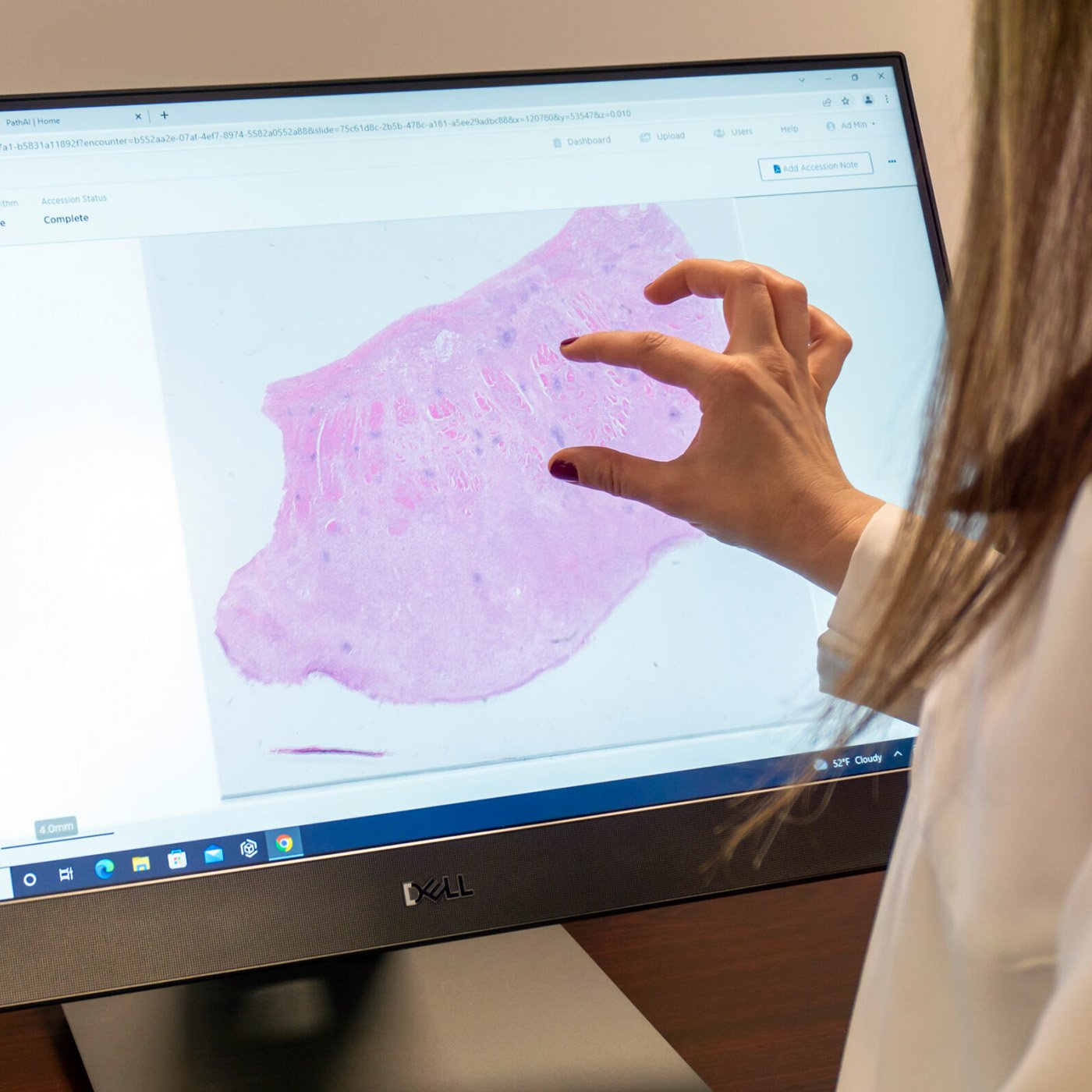
We're thrilled to announce the release of AISight® Dx v2.20, the latest update to PathAI's FDA-cleared digital pathology image management system. At PathAI, every release is driven by one goal: making digital pathology work better for the people who depend on it every day. This update reflects direct feedback from our users and our ongoing commitment to removing friction from clinical workflows, so pathologists and lab teams can stay focused on what matters most.
v2.20 delivers a more intuitive Slide Viewer experience, smarter workflow controls, and expanded storage and archiving capabilities, including a new right-click context menu for faster access to tools, one-click visibility toggling for all slide data, and flexible self-service options for slide tray organization and archived slide restoration. As we continue to evolve AISight Dx, our focus remains on building a platform that is not only powerful and scalable, but genuinely easier to use at every step.
A More Efficient Tool Engagement
We know that every second in the Slide Viewer counts. With v2.20, users gain access to a right-click context menu that surfaces the tools they need, including annotations, snapshots, fullscreen mode, and more, without breaking their review flow. A single action now toggles all markups, fields and annotations on or off, giving users full control over what they see and when.
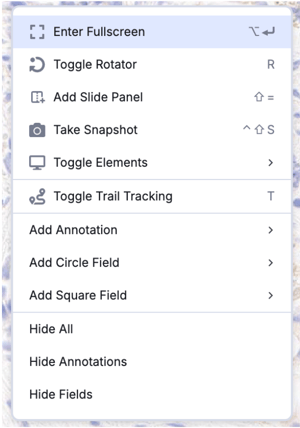 Figure 1: Functional right-click menu in the slide viewer
In addition, the Navigation Bar has been modernized, allowing customers to navigate through the same pages as before with a fresh look.

Figure 2: Refreshed navigation bar
Smarter Workflow, Less Noise
Clarity in the workspace drives better decisions. Rejected algorithm results no longer appear in the Slide Tray, keeping the view focused on what is actionable. Thumbnails for annotations and fields of interest now reflect the same orientation shown in the Slide Viewer, eliminating a small but persistent source of friction. Slide tray cards have been updated for a cleaner, more readable layout.
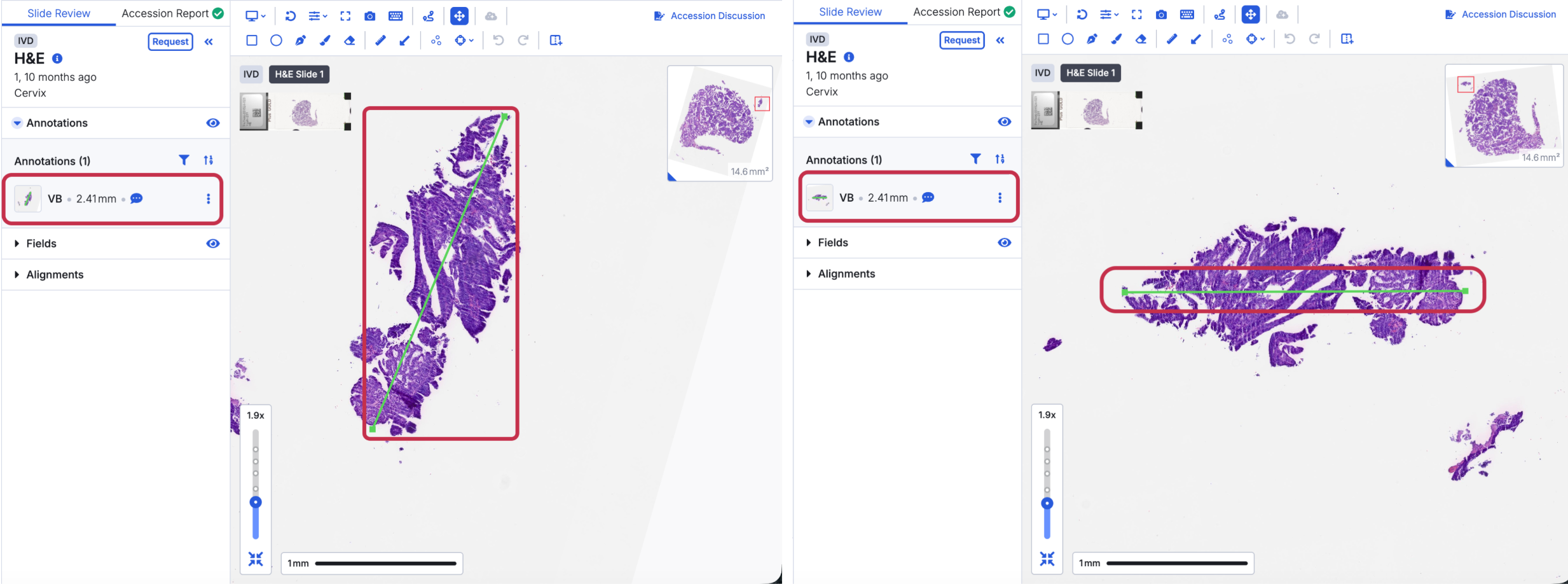
Figure 3: Data thumbnail orientation
Storage and Archiving Built for Real Operations
As labs scale, so does the complexity of managing slide data. Resident users can now restore individual archived slides without restoring an entire accession, a meaningful time-saver in day-to-day operations. This capability is designed to reduce administrative burden and keep lab operations running cleanly as digital pathology volume grows.
A More Reliable Platform
Reliability is not a feature, it is a foundation. This release includes targeted fixes addressing AISight Live session behavior, snapshot annotation rendering on retina displays, Escape key consistency across the Slide Viewer, specimen merge handling, and an "Add to Folder" dialog display issue. Each fix is a direct response to user-reported friction, and each one reflects our commitment to a platform that performs consistently, every time.
Configurable Features
v2.20 introduces a new layer of configurability, giving both organizations and individual users greater control over how the platform works for them.
At the organization level, sites can now configure automatic deletion of empty shell accessions and apply existing storage transition rules to unassigned slides across the lab, reducing administrative overhead as digital pathology volume grows.
At the individual user level, the slide navigator can be resized to take up less screen space, and users can choose to organize their slide tray by Specimen/Block or by Slide ID directly from User Preferences.
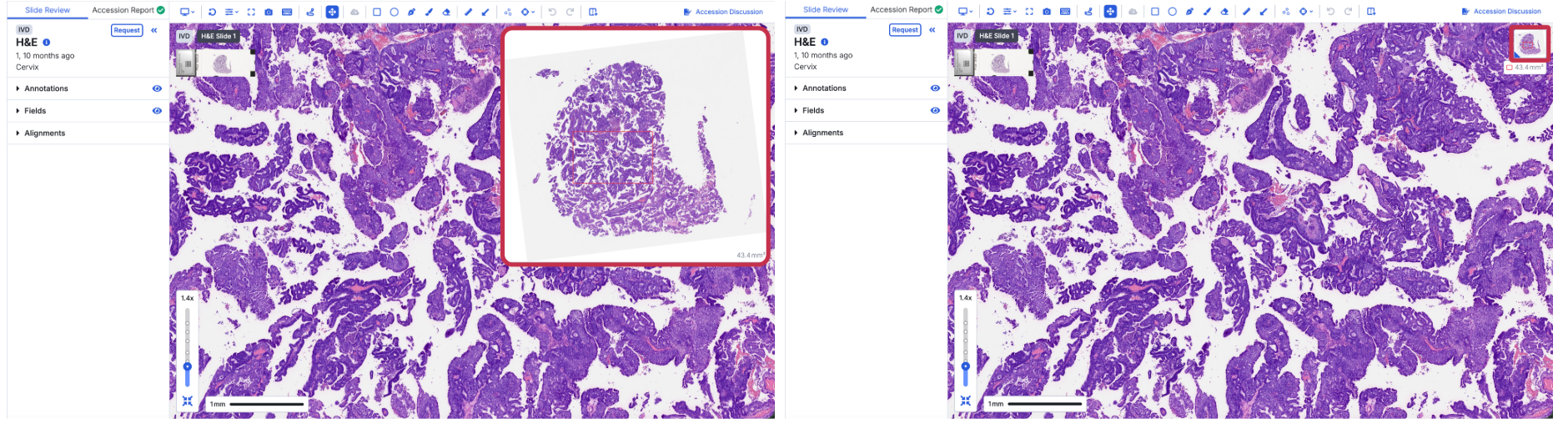
Figure 4: Slide navigator size
v2.20 is another step in PathAI’s continued investment in the AISight Dx IMS Platform, and we are just getting started.
To explore these updates or schedule a walkthrough with our team, reach out at digitaldx@pathai.com or schedule a demo here.
AISight® Dx is FDA-cleared for primary diagnosis in the US and is CE‑IVD–marked for primary diagnosis in the EEA, UK, and Switzerland.